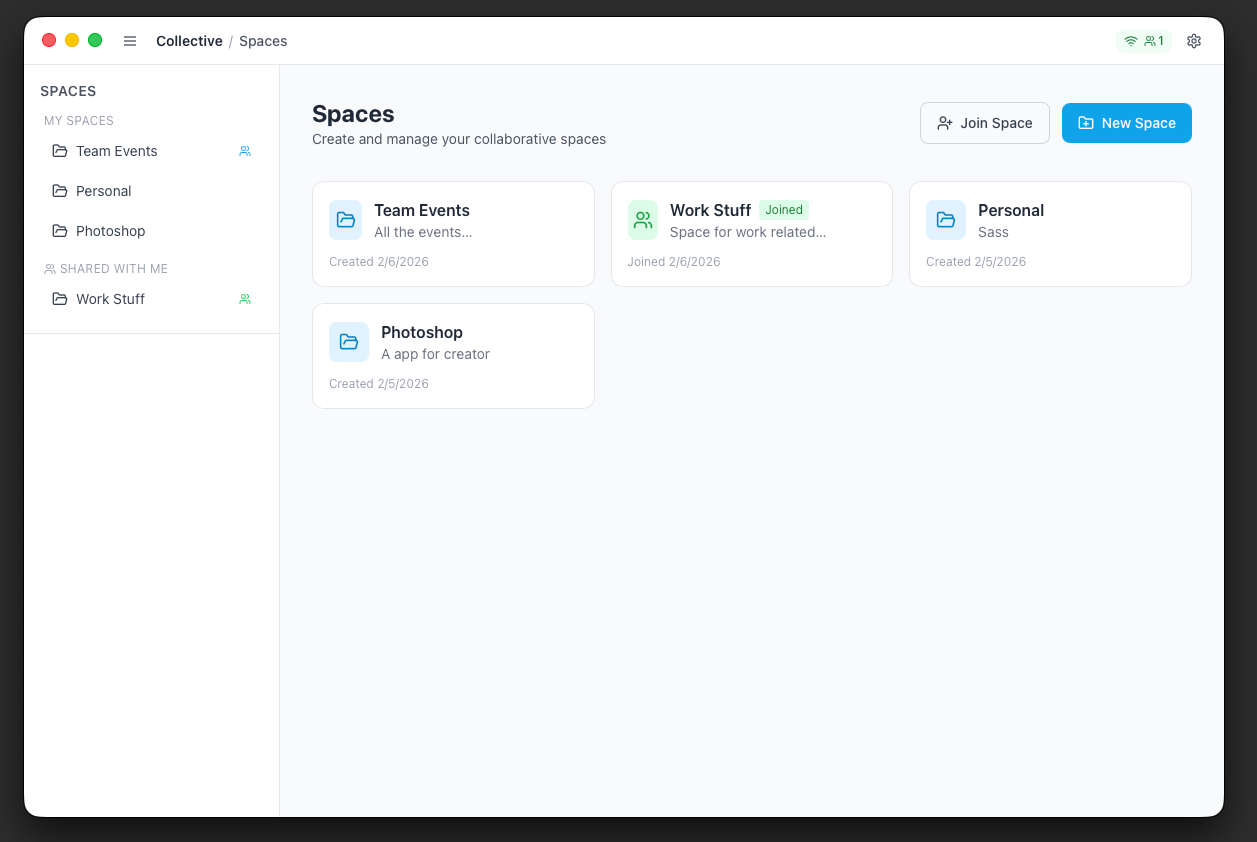
Create shared spaces, collaborate with your team, and let AI answer questions about your documents. All offline-first and peer-to-peer.
Version 0.0.10 · Apple Silicon · Installation guide
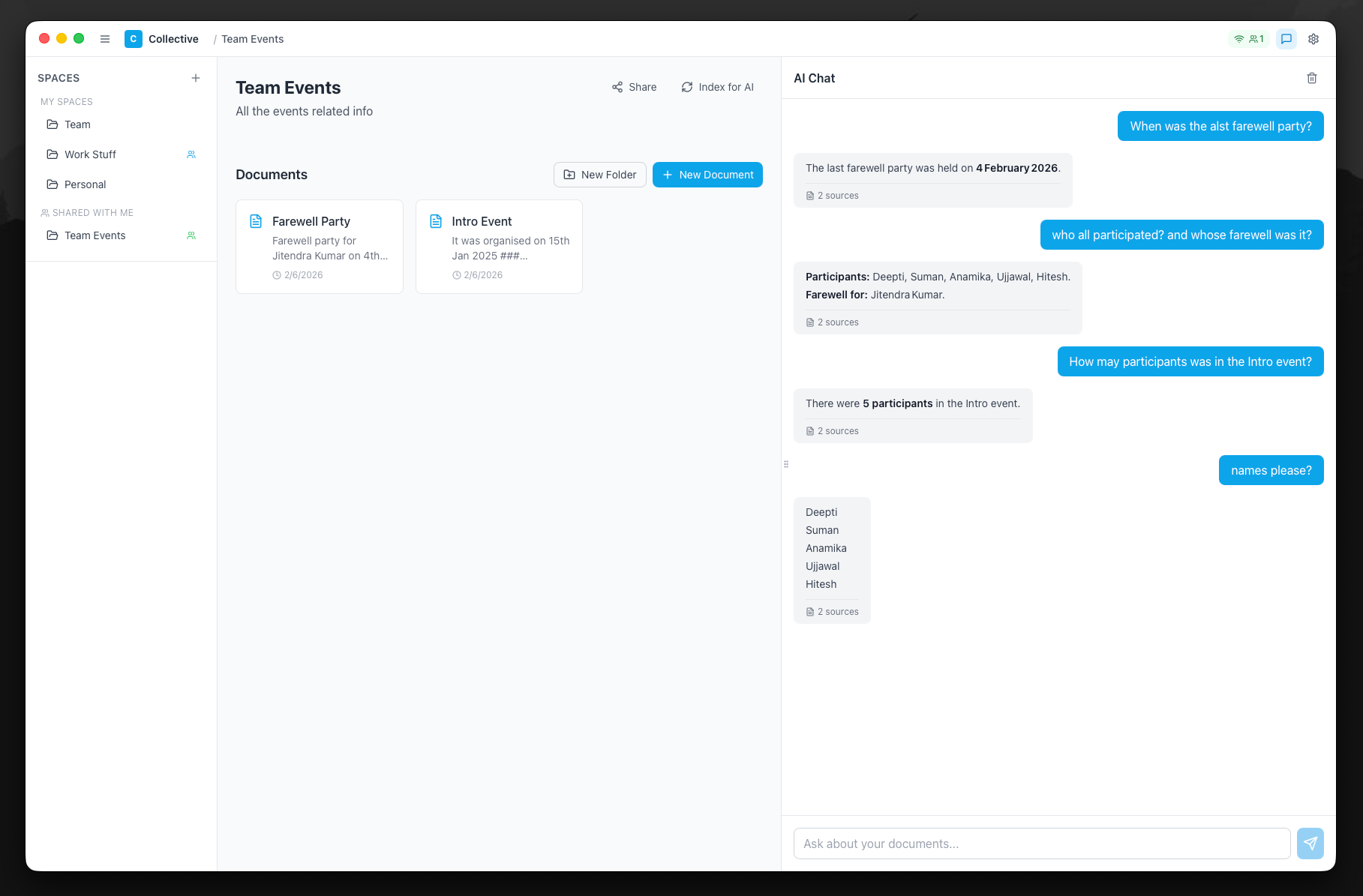
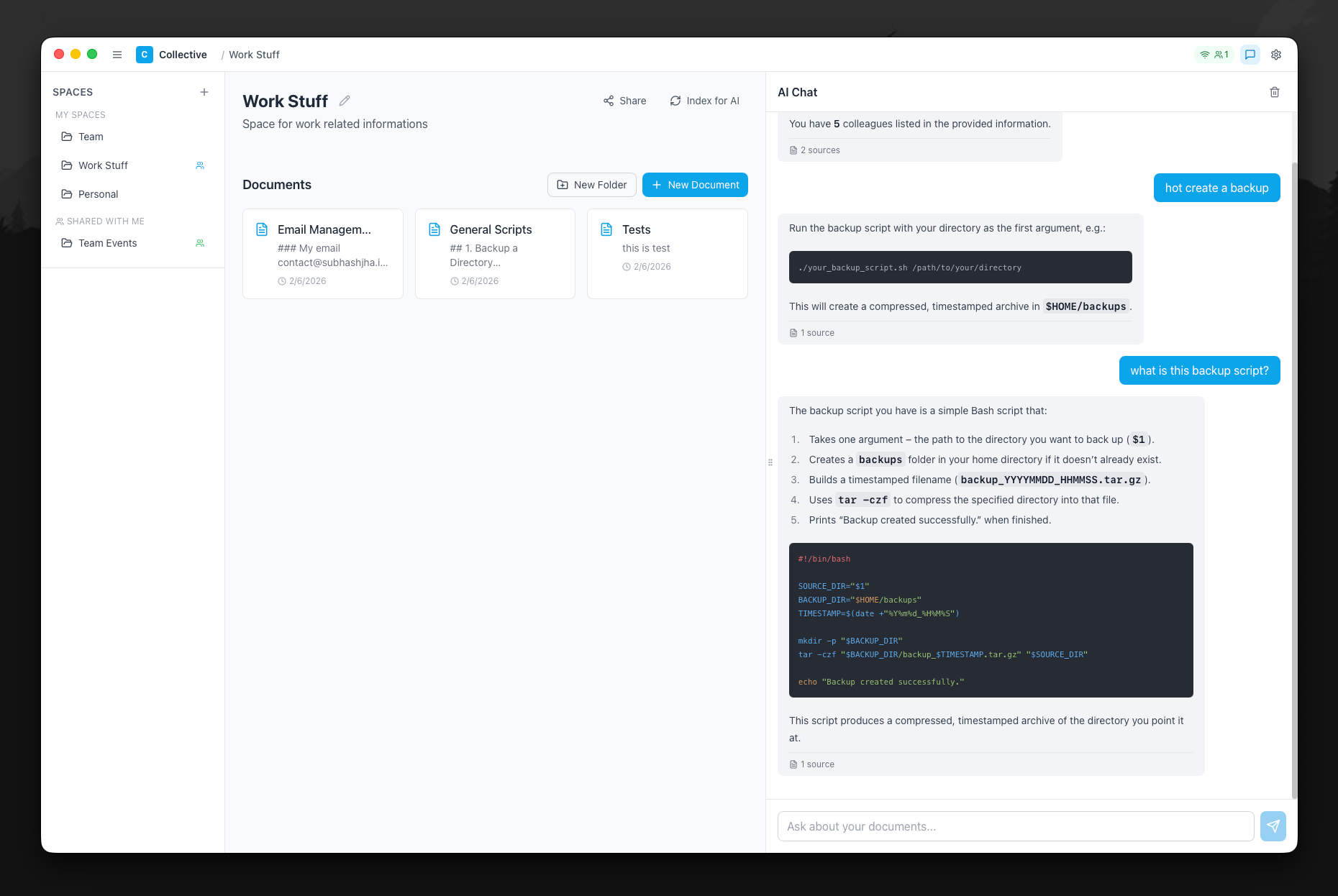
Chat with your documents using AI. Ask "Who attended the farewell party?" and get accurate answers with source citations. The AI understands context and finds relevant information across all your indexed documents.
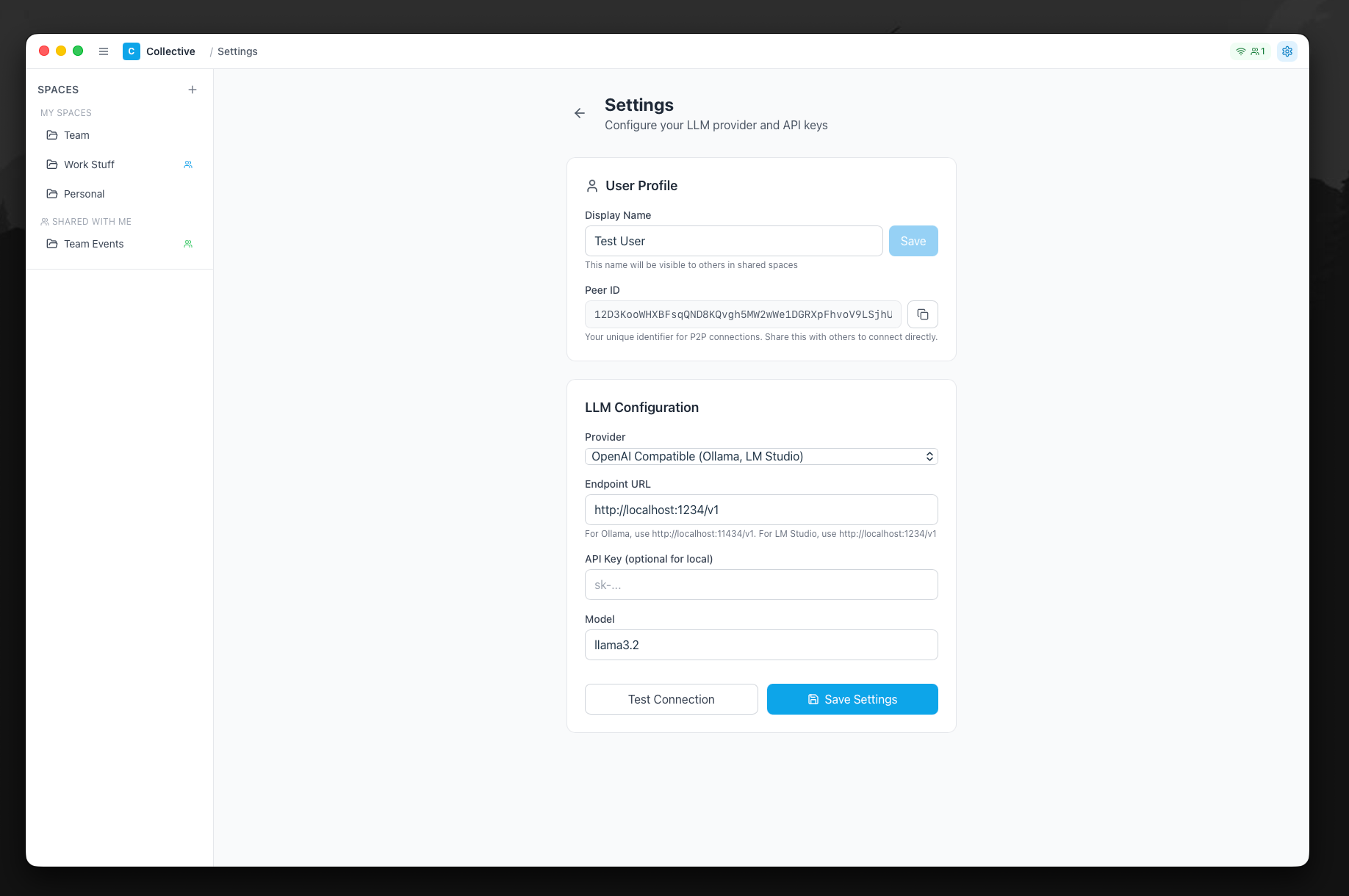
Connect to local models like Ollama or LM Studio for complete privacy. Or use cloud providers like OpenAI, Claude, and Gemini. Test your connection and switch providers anytime.
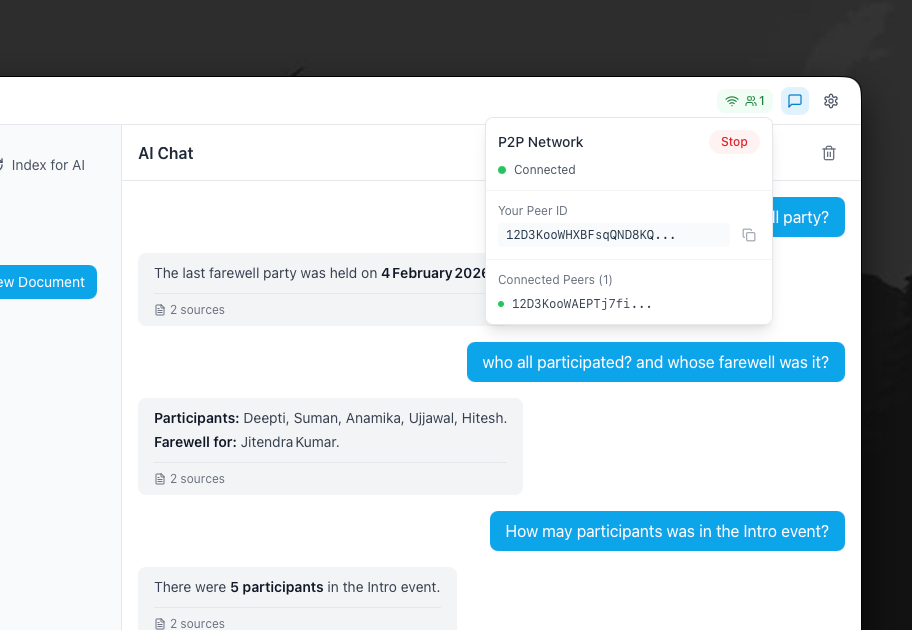
No central server needed. Connect directly with teammates on your local network using peer IDs. See who's online, share documents in real-time, and keep your data within your network.
Store scripts, configs, and technical documentation. Ask the AI to explain your backup scripts or find that CLI command you forgot. Get syntax-highlighted responses with full context.
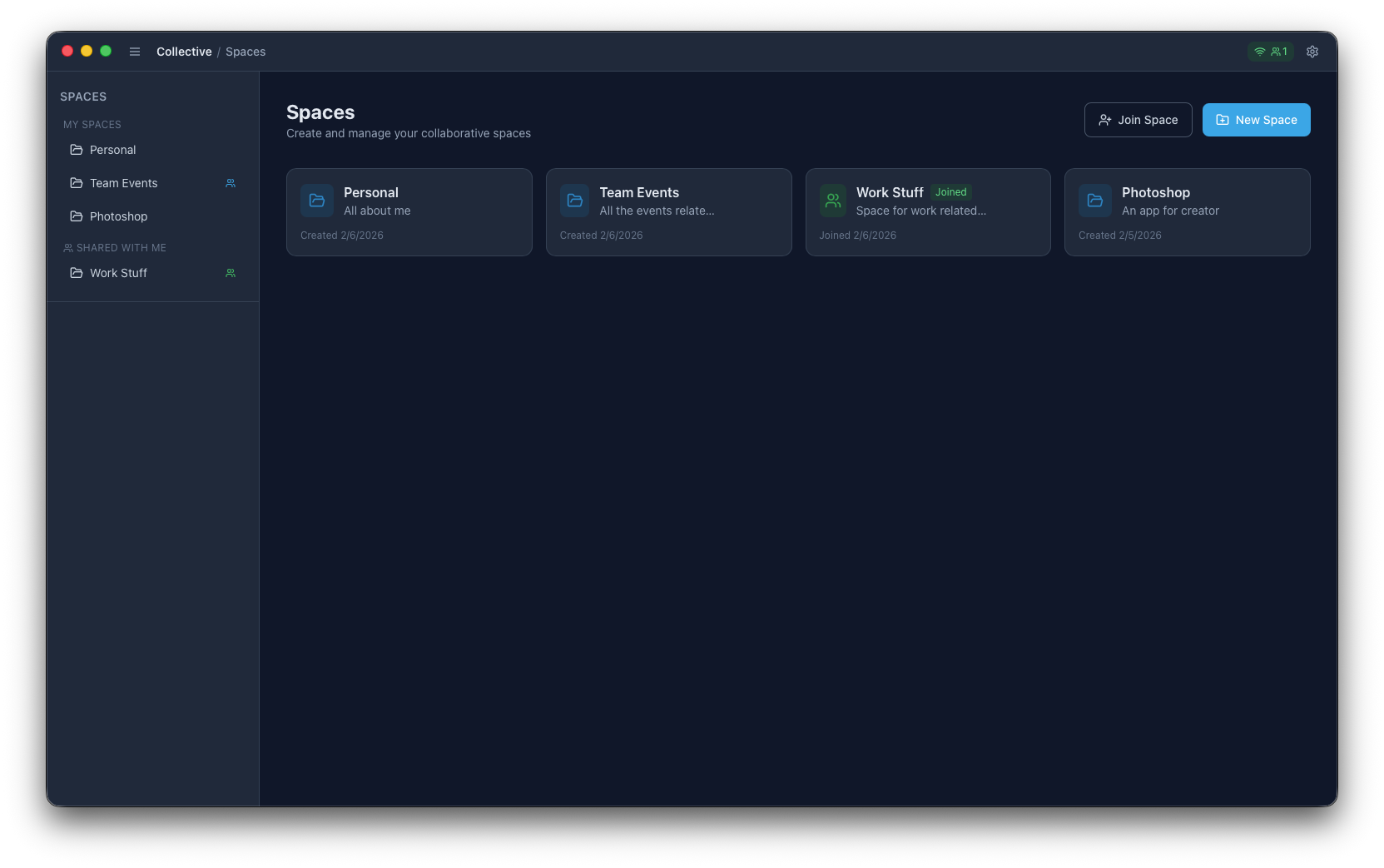
Switch to dark mode for a comfortable viewing experience during late-night sessions. The sleek dark interface reduces eye strain and looks great on any display.
Built for teams who value privacy and want AI-powered productivity without the cloud dependency.
Semantic search finds relevant documents automatically. Get answers with source citations.
Share spaces with simple invite codes. No account needed, just share and collaborate.
Works without internet. All data stored locally. Sync automatically when reconnected.
Your data stays on your devices. Use local LLMs for zero cloud dependency.
Rich editor with live preview. Organize in spaces and folders. Full formatting support.
Built with Tauri and Rust. Lightweight, fast, and uses minimal system resources.